Networking & Wi-Fi · New York City & Miami
UniFi networking. A better connection.
Smart Installers designs and installs wired networks and Wi-Fi for New York City and Miami properties. We coordinate the internet connection, gateway, switches, access points, and cabling so the network supports the way your home or business is used.
Plan your project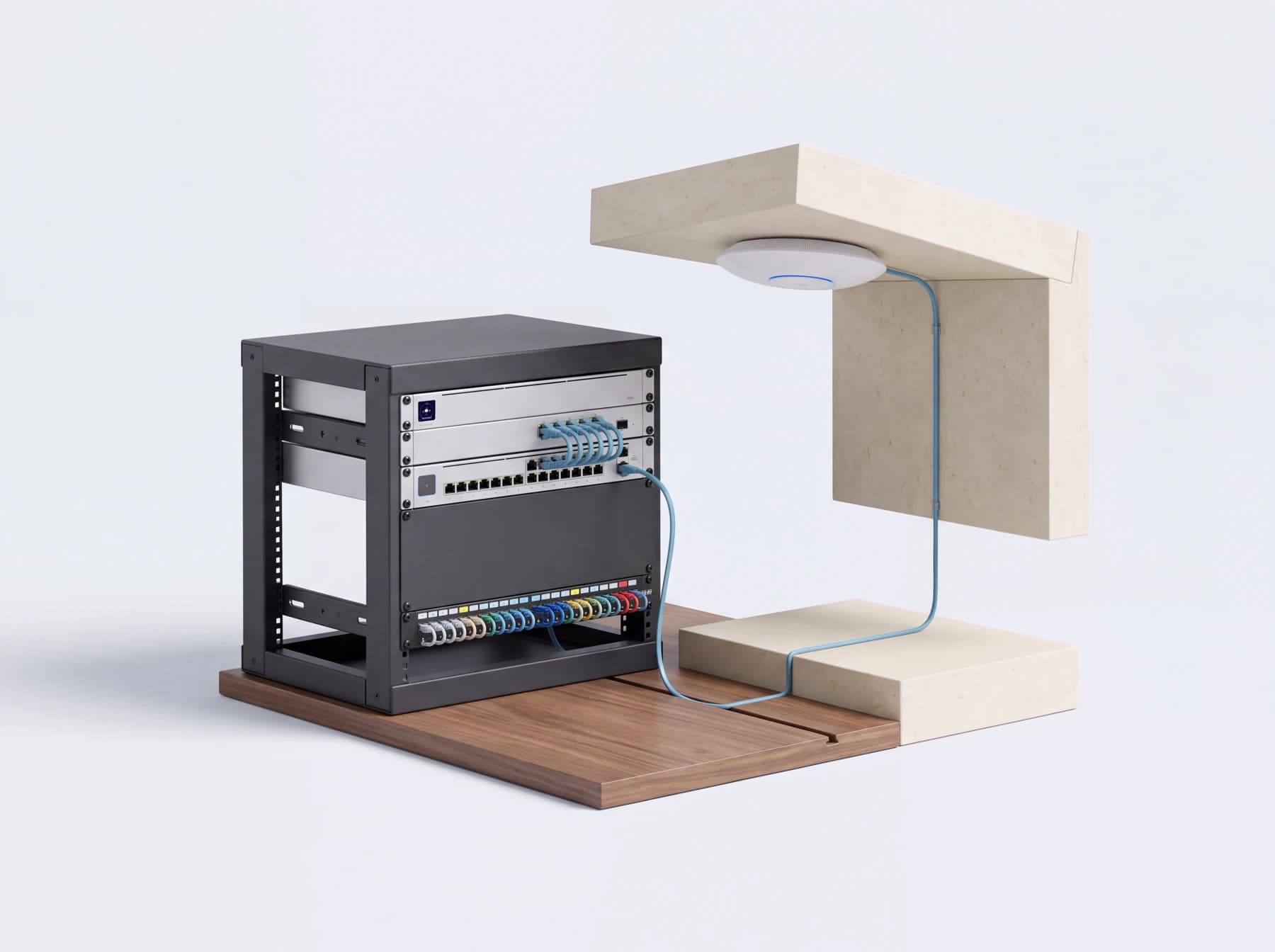
The complete installation
The details, considered together.
Coverage around the building
Room layout, building materials, access-point placement, and wired connections shape the design. We consider the places you actually work, stream, meet, and use connected devices.
Structured cabling and racks
Cable routes, data outlets, patch panels, switching, and equipment space are planned together. Clear labels and organized connections make future work easier to understand.
Configuration and checks
We configure the agreed network and Wi-Fi settings, consider separate networks where needed, and check connections in the intended areas. Handover includes the account and administration arrangements.
Before choosing equipment
Start with the right questions.
Is the problem internet speed or Wi-Fi?
A fast internet plan does not establish that every room has a good wireless connection. Comparing wired and wireless behavior helps separate service-provider issues from coverage or network problems.
What needs a wired connection?
Access points, cameras, workstations, entertainment systems, and controllers may benefit from planned Ethernet runs. Identify them early, especially while walls and ceilings are accessible.
How should different devices share the network?
Residents, guests, business devices, and building systems can have different access requirements. We discuss network separation and equipment compatibility as part of the design.
Upgrades & existing systems
Untangle an existing network.
For an unreliable or inherited network, we begin with the equipment, cabling, account access, and symptoms. A clear inventory and diagnosis help distinguish a configuration issue from a hardware or coverage problem before recommending replacement.
Discuss your existing systemA useful first conversation
Bring us your space.
These details help us understand the work. Share what you have when we discuss the project.
- A floor plan or description of the rooms and floors.
- Your internet provider and photos of the network equipment.
- Where connections fail and which devices are affected.
- Planned cameras, intercoms, automation, or additional workspaces.
A few things to know
Questions, answered.
Will adding more access points fix weak Wi-Fi?
Not necessarily. Placement, interference, cabling, configuration, and device behavior all matter. We review the layout and existing network before deciding how many access points are appropriate.
Can you take over a UniFi network installed by someone else?
We can assess an existing UniFi installation. Administrative access, equipment ownership, configuration backups, and current hardware determine the takeover process and whether a reset or migration is needed.
Can wiring be installed in a finished home?
A survey can identify possible routes and the finish work involved. Existing pathways, access above ceilings, and the construction of the property affect what can be concealed and where.
One thoughtful plan
Let’s make it work for you.
Tell us about your property, what you have, and what you would like to improve.
Tell us about your space